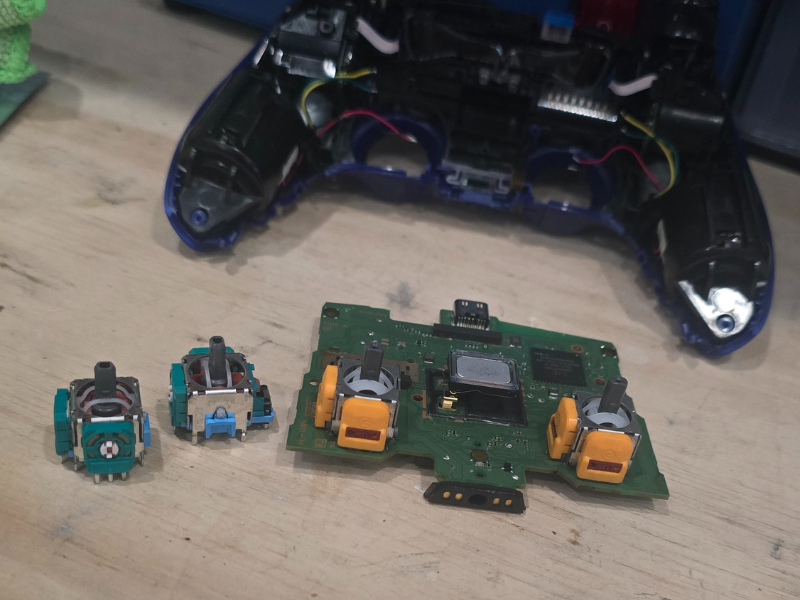
Spring isn’t just for cleaning your home. It’s the perfect time to give your gadgets a little TLC too. From smartphones and tablets to laptops and gaming devices, a few simple maintenance steps now can help prevent slowdowns, crashes, and costly repairs later.
At Gadgetboy in Columbia, SC, we’re all about keeping your devices running like new. Here are some practical tips to spring clean and maintain your tech this season.
Clean Your Devices Inside and Out
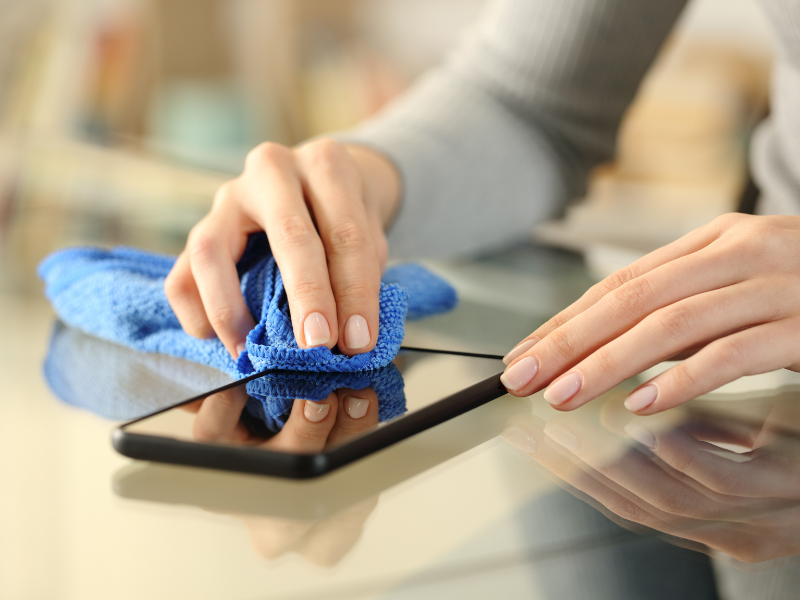
Dust, fingerprints, and debris can accumulate quickly, especially on keyboards, screens, and vents.
Quick tips:
- Use a microfiber cloth for screens
- Compressed air for keyboard or vents
- Avoid harsh chemicals—stick to screen-safe sprays or alcohol wipes
Keeping your devices clean not only improves their appearance but also prevents overheating and performance issues.
Backup and Update Your Devices

Spring is a great time to make sure your data is safe and your devices are running the latest software.
- Backup important files to cloud storage or an external drive
- Update operating systems and apps to protect against bugs and security threats
- Delete apps or programs you no longer use to free up space
Regular updates and backups protect your data and keep your gadgets performing efficiently.
Check Battery Health
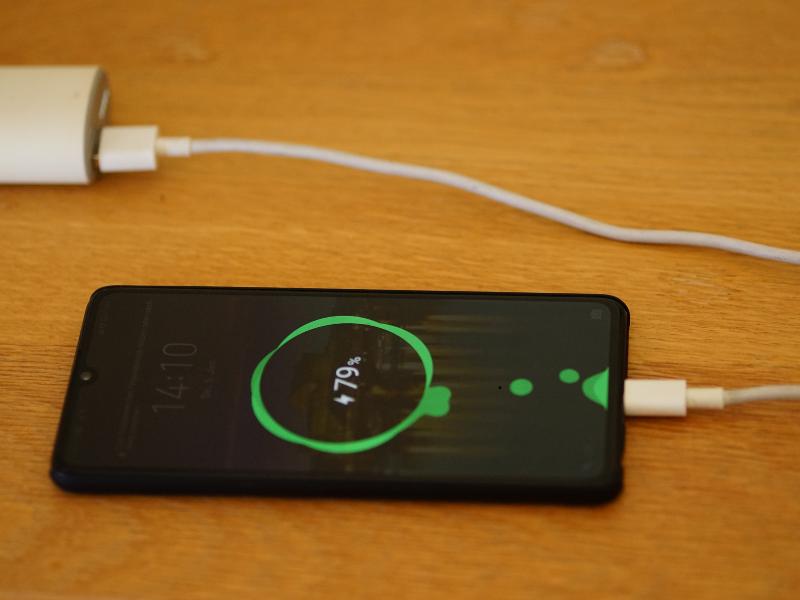
March is a good time to inspect the batteries in your phones, laptops, and tablets. Batteries lose efficiency over time and can affect overall device performance.
- Check battery health via system settings
- Replace aging batteries before they fail
- Avoid leaving devices plugged in constantly
Proper battery care extends the life of your gadgets and prevents unexpected shutdowns.
Organize Your Devices and Accessories
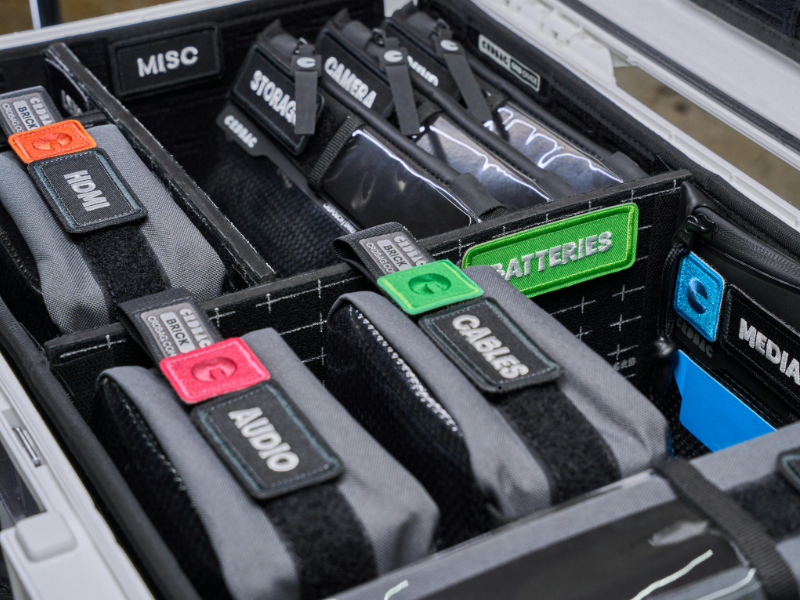
Cluttered cables, chargers, and devices can make tech harder to use and increase the risk of damage.
- Label cords and chargers
- Organize tech in a drawer or docking station
- Store devices safely to avoid drops and spills
A neat setup makes your tech easier to manage and reduces wear and tear.
Protect Against Viruses and Malware

Spring cleaning isn’t just physical—it’s digital too.
- Run antivirus scans on computers and tablets
- Delete suspicious emails or files
- Update security software and firewalls
Digital hygiene keeps your information safe and prevents performance issues.
When to Bring Your Devices to the Pros

Some maintenance is simple, but certain issues require professional attention:
- Cracked screens or water damage
- Slow performance after cleaning
- Persistent battery, charging, or hardware issues
At Gadgetboy, we specialize in repairing all types of devices, from iPhones and Androids to laptops and gaming consoles. Our team can handle repairs quickly, safely, and affordably so your devices are ready for spring—and beyond.
Schedule Your Spring Tech Tune-Up
Don’t wait until your devices start acting up. A little preventive care now can save you time, money, and frustration later.
Contact Gadgetboy in Columbia, SC to schedule a checkup, repair, or upgrade for your devices this spring. Keep your gadgets running smoothly all year long!